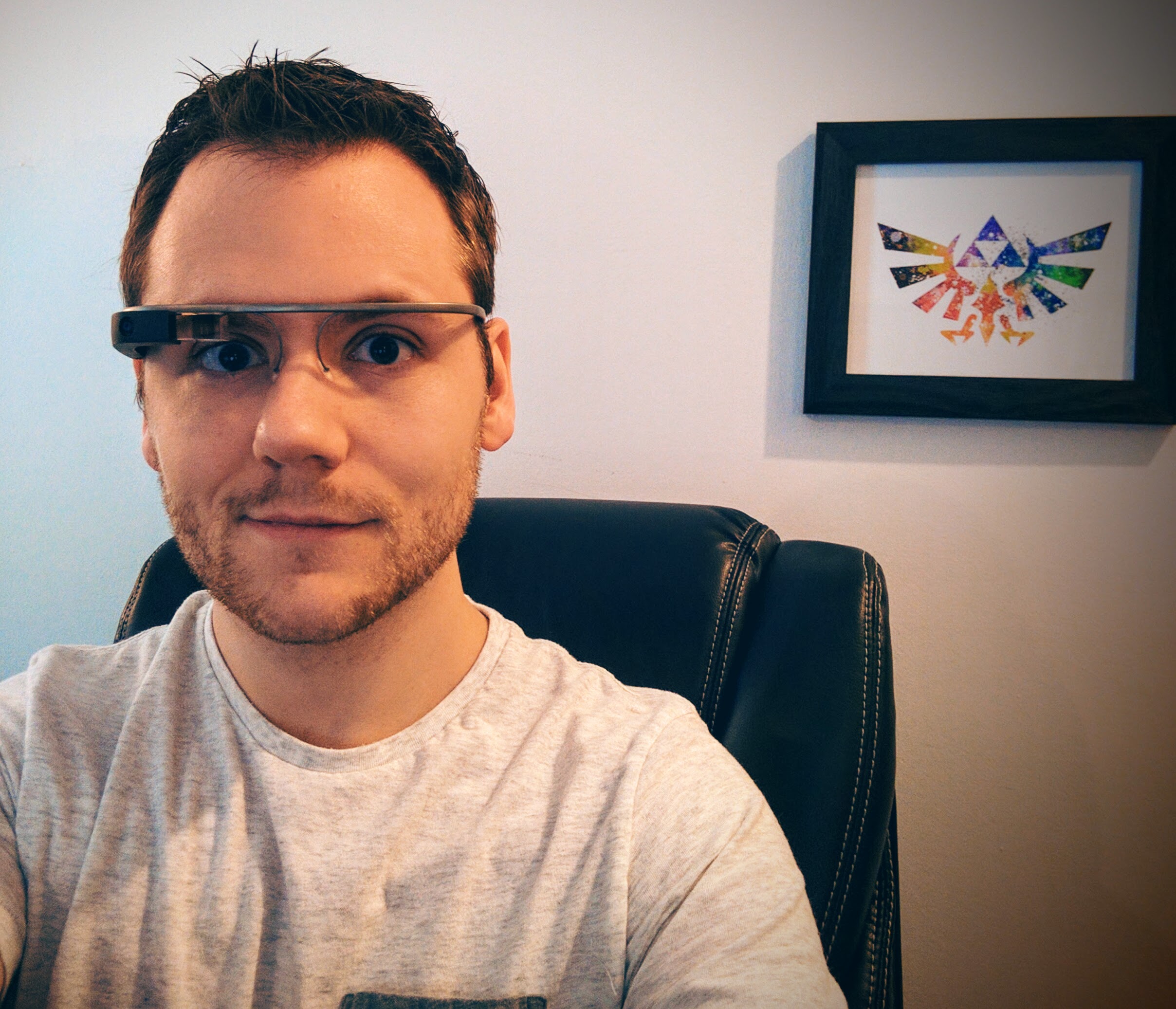
I wear Google Glass, and I have for the last two and half years.
I still run into people almost every day that have never seen Google Glass in the real world, but most people have at least heard of it on some level. Sometimes they know about "Apple Glasses", sometimes it's just Glass and they ask, "Who makes that?".ear Google Glass, and I have for the last two and half years.
I still wear Glass today for two main reasons.
1. Lower Barriers to Communication
2. Ever-ready camera
Lower Barriers to Communication
Take your phone out of your pocket. Now unlock it. Now open your messaging application Now select the contact you want to message. Now write your message and click send.
"ok glass, send a message to Bill Williams, I'm parking now, I'll see you in 5"
I've timed how long it takes people to perform this full interaction, and it's around 14 seconds before they can even start typing a message in the best of times. 14 seconds doesn't seem like a lot, but as humans we send a lot of messages.
Think about all of the people you talk to in a given day. Even more, think about the people you should be talking to. You had lunch with a friend, did you thank them for it, and try to setup the next time? Maybe you had a cool idea you wanted to share with a colleague. Most of these possible positive interactions are lost because the size difference between the thought and the execution are too great.
With Glass, I try to capture every idea, and I try to stay in touch with those closest to me. Because Glass has an amazing form factor and almost no friction when it comes to these types of engagement, I often send messages while driving (without taking my eyes off the road), or even when I'm just walking around.
Ever-ready Camera
Human memory is faulty, or at least I know mine is. I can hold onto hundreds or probably thousands of great memories that have happened to me over a lifetime, but what we forget is that there are MILLIONS of amazing and interesting things that happen to us.
You never regret having too many pictures. Life is short and all-too often moments are gone before we wish they were. Pictures let us form a bridge with the past that when done right also serves to connect us to our future. I do the things I do not because they are fun today, but because they are part of who I see myself as for the rest of my life.
What do you do with Christmas and Birthday cards you receive? You probably hold onto them for a week or two, and then throw them away. I do the same thing, but I take a picture first. This means that as I'm looking back at my timeline of memories, or when Google or Facebook surfaces "this day last year", I get an instant and meaningful connection to those moments.
permalinkOver the last several years, developers around the world have been gently nudged to updated the version of Python they are using, and Angular is poised to do the same.
A new version, a new direction
Python 2.7.9 is the default used in Ubuntu's latest version. This is somewhat discordant with the fact that the latest version is actually 3.4.3. With Python 3, the creators of Python were trying to improve the language dramatically by refocusing on what was important for them in a language. The problem with this approach is that they broke backward compatibility, and left Python 2.x in a state where it was easier for developers to keep using the older version than to update to 3.x Python 3 was introduced in 2008! That was 7 years ago and developers still are reluctant to switch.
Angular is headed in the same direction, with their current work on Angular 2. Angular 2 (just like Python) breaks compatibility with the old version, introduces new language constructs, and tries to achieve a set of admirable goals including performance and simplicity. The problem is that they are trying to introduce too many things at the same time. To migrate from AngularJS (Angular 1) to Angular 2, the user has to learn and implement a number of changes to both the language they use to write applications, as well as to the toolset they use to build and deploy their applications.
The problem with Python 3
I may just be a terrible developer, but from my perspective the problem with Python 3 is that they got rid of all of the convenience tools included in the the language. Everything from the print statement to the way that you interact with files was dramatically changed to handle Unicode and edge cases better, but from my perspective this made the new language better at edge cases, and worse at nominal cases.
The problem with Angular 2
Angular 2 is headed down a similar path, with developers already groaning about having to do things a different way. While I believe each of the changes in Angular 2 were made for good reason, it's too much at the same time for the average developer to understand.
Take a look at all of the new things a developer has to do or think about
- Switching from Javascript to ES6 OR Typescript with compilation - Even if you don't want to switch, Angular 2 was written in Typescript, and most of the examples that exist today are Typescript examples. If you ask the average developer what the diffrences between Javascript, ES6, and Typescript are, they would have a lot of trouble explaining it.
- Shift to Components - Now instead of grouping controllers and views into their respective structures, everything is broken into components, where the view and corresponding controller live together. This a structurally benficial change, but it once again assumes you are building a complex application, and increases the work to simply get started.
- Loss of Directives - Directives have disappeared and been replaced by Components and Directives (which is a type of component). This confusing terminology
- Loss of Existing Libraries - Because of the change in formats for Components and the loss of Directives, the huge number of AngularJS modules available on the internet are made useless for these types of projects.
- Double Binding Magic is gone - There's a magic moment when a developer connects an ng-model to a variable in the view. With the new Component model, this magic is gone because it feels like you have to create the wiring yourself, and your application will require more code just to get started (although in fewer places).
The Solution
From my perspective, the solution is simple. Eliminate the frustration and fears related to the migration path by designing, building, and marketing these "major revisions" as new languages.
Developers are used to and often excited by the adoption of a new language of framework. When a major revision with breaking changes is created, developers have to conflate their positive feelings about the past framework with the additional time, energy, and cost related with updating their knowledge and skillsets, without the corresponding buzz coming from the adoption of something new and exciting.
Perhaps if we had Cobra and Nentr (names I have made up for Python 3 and Angular 2 respectively), developers would be able to evaluate these languages on their own merits, rather than being forced into a "upgrade or be left behind" mentality.
permalink
